Ready to Reload? Find a location now.
1. Look for the Visa Readylink symbol on the back or your card.
2. Look for the symbol at participating merchants.
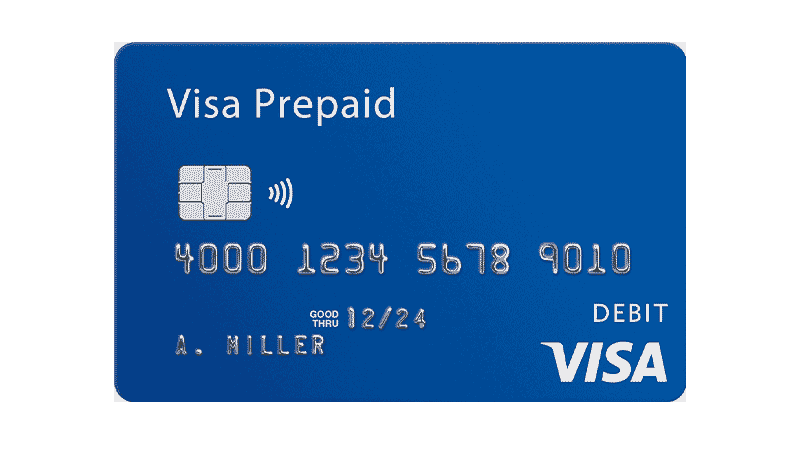
Get your Visa Reloadable Card
Find the location where you can purchase your Visa Reloadable Card in person or online
Send your comments and feedback to visareadylink@visa.com.
Add money to your card wherever you see the Visa ReadyLink symbol.
It's fast and easy to load your Visa Prepaid card* with additional funds at places conveniently close to where you live, work or shop. You can quickly add funds to your cards at these stores:
- MoneyGram Agents
(Use Receive Code 7034) - Safeway
- 7-ElevenĀ® ***
- Circle K (at TIO Kiosk) ***
- ExxonMobil (at TIO Kiosk) ***
- Maverik (at TIO Kiosk) ***
- Carrs
- Dominick's
- Genuardi's
- Pak 'n Save
- Pavilions
- Randalls
- Vons
- Tom Thumb
How to reload with Visa ReadyLink
1. Look for the Visa ReadyLink symbol on the door, kiosk, or register at participating stores, or at all U.S. MoneyGram agent locations.
2. Take your card and cash to the register or self-service kiosk. The cashier will swipe your card and accept your cash. At a kiosk, you'll swipe your card and insert the funds.**
At U.S. MoneyGram agent locations, your card will not be swiped. Instead, complete the
Blue Form
or proceed to the MoneyGram phone to start your load. Use Receive Code 7034.
3. Get your receipt—and go! You'll have immediate access to your funds upon approval by your card provider.
To learn more, read about the additional benefits of a Visa Reloadable Prepaid card or Visa Payroll card.